How to Migrate SharePoint Data to GCC High
Learn how to migrate SharePoint data to GCC High to meet CMMC, NIST, and ITAR compliance requirements with this practical guide.

This is Post #2 of our Technical Migration to GCC High Series
Catch up on the first post and then finish the series:
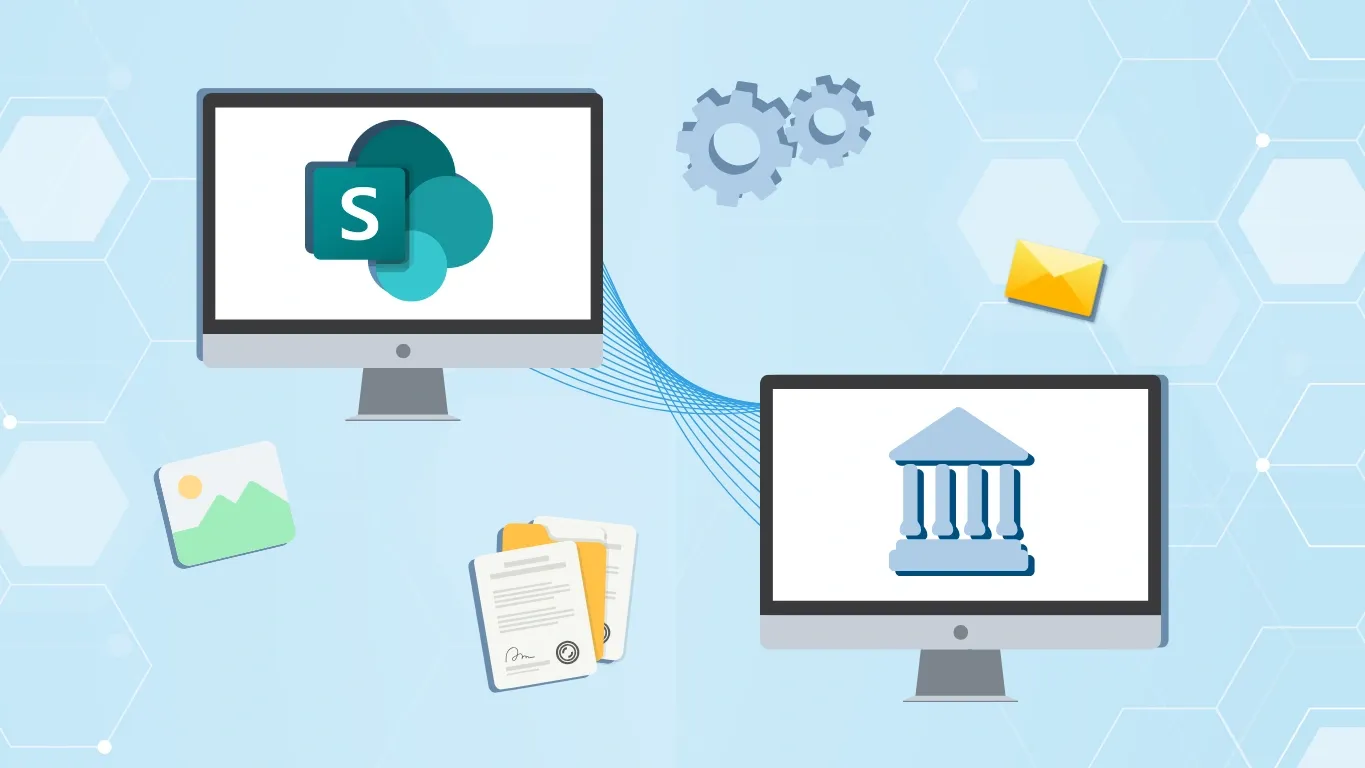
SharePoint is a powerful asset that allows organizations to safely store, organize, and share data, manage content, and collaborate with colleagues from wherever they are, assuming they have an internet connection. Government contractors that handle Controlled Unclassified Information (CUI) are required to take extra steps to secure their data to meet their contractual compliance obligations, and SharePoint helps make that easier.
Cyberattacks are an increasingly expensive emotional and physical captor for organizations trying to keep America safe. To help combat this, cybersecurity regulations have been developed for organizations handling CUI by various agencies within the U.S. federal government. These include CMMC 2.0, DFARS 7012, NIST SP 800-171, and ITAR, to name a few. Complying with these federal regulations require contractors to implement strong security controls that aren’t always possible when operating in a commercial Microsoft environment. Many federal contractors are unprepared for the necessity of migrating to Microsoft Government Community Cloud (GCC) High to meet compliance. This often includes migrating SharePoint data to GCC High to ensure the environment meets the security requirements for handling CUI.
To help protect your SharePoint assets and support compliance, we explain what to expect and how to successfully migrate your SharePoint data to GCC High.
Understanding GCC High Requirements
If you’re not familiar with Microsoft’s secure government cloud offerings, the first thing you need to know is what GCC High is, and who qualifies to use it. What sets Microsoft 365 GCC High apart from Microsoft’s commercial cloud products is that GCC High is a secure environment for government agencies, contractors, and partners. It provides organizations that handle sensitive government data (such as CUI and FCI) with a highly secure cloud environment that offers additional data protection and compliance features, making it compatible for organizations that must comply with enhanced federal cybersecurity regulations like CMMC Levels 2 and 3. It also offers data residency and restricted access features necessary for storing ITAR/EAR data.
Microsoft maintains the security of the GCC High cloud environment by only allowing eligible organizations to purchase GCC High licenses. Access to GCC High is limited to:
- U.S. government entities
- Tribal governments
- And government contractors that handle sensitive government data (such as CUI)
To ensure that only eligible entities have access to the GCC High environment, organizations must undergo a rigorous verification process to prove their eligibility. This often includes providing documentation proving your eligibility, such as a DoD contract outlining the regulations you must adhere to. Working with a managed service provider (MSP) can be beneficial at this stage, as they can help guide you through the verification process.
Pre-Migration Planning
Once you’ve verified your GCC High eligibility with Microsoft and worked with an eligible partner to help you purchase the appropriate licenses for your team, you’ll be ready to start planning your SharePoint migration. Pre-migration planning is is required to ensure your sensitive data is not lost or compromised during the migration. Some steps include:
-
Inventorying and Classifying Data: The first thing to do when planning your migration is inventory all the SharePoint data you intend to transfer and then categorize it by sensitivity.
-
Identifying CUI, ITAR, and FCI Data: Next locate and isolate all CUI, FCI, and ITAR data that you handle. This will allow you to take proper measures to protect it during the migration, like using end-to-end encryption, which is necessary to ensure NIST SP 800-171 compliance.
-
Planning for User Access and Authentication Changes: Finally, make sure that you have a plan for protecting sensitive government data to ensure ongoing compliance in your new tenant. This includes having Identity and Access Management (IAM) policies in place to ensure that only authenticated users have access to sensitive government data.
Choosing the Right Migration Approach
An essential part of the planning process when preparing a SharePoint migration is choosing the right approach and tools. Key things that you should consider before executing your migration include:
Cutover vs. Phased Migrations
Before starting your migration, it’s essential that you decide which migration approach works best for your organization. While a cutover migration allows you to migrate all your SharePoint data in a single large event, phased migrations involve gradually moving data, applications, and user groups to the new tenant in batches. For GCC High migrations, phased approaches are often preferred as this allows for testing and can help minimize risks.
Native Tools vs. Third-Party Solutions
Next, picking the right tools can help streamline the migration process. While Microsoft’s native migration tools offer simplified integration, third-party solutions can offer enhanced features like automation, speed, and better handling of complex scenarios. For GCC High migrations, a hybrid approach is often best, using native tools for simple tasks and third-party tools for specialized features. Just make sure that any third-party migration tools you plan on using is compatible with GCC High and is FIPS validated to ensure they offer the necessary security features.
Migration Execution Steps
Once you’ve taken the time to thoroughly plan everything, you’ll be ready to start executing your SharePoint migration. A few key steps to implement a successful migration include:
-
Configuring Permissions and Compliance Settings: Before you begin migrating data, you’ll need to set up your GCC High tenant and configure baseline security controls and compliance settings in the new environment. Make sure that you enter the administrator credentials for the GCC High tenant when creating the destination endpoint.
-
Executing in Stages: Once your new tenant is established, you can start the migration process using the third-party tools you’ve selected. Make sure you keep an eye on the migration’s progress and address any errors that may arise. Executing the migration in stages can help prevent disruptions and reduce the risk of costly errors and mistakes.
-
Post-Migration Verification: Once the migration is complete, thoroughly check the data migrated correctly to the new tenant and that all functionality is working as expected in SharePoint.
Post-Migration Steps
Once your migration is complete, take a few additional steps to ensure that everything runs smoothly and that you’ve achieved the proper security posture in your new tenant. This includes:
-
Reapplying Security Controls: First, verify that all of the proper security controls have been implemented in your new tenant, including those outlined in NIST SP 800-171, to ensure compliance in your new tenant.
-
Training End Users: Next, to maintain your protection, you’ll want to train your users on the new GCC High environment, focusing on any changes they may notice and new cybersecurity policies.
-
Conducting Final Compliance: Finally, conduct a final review to ensure that your new environment is compliant with all the regulations that pertain to your federal contracts, such as DFARS 7012, CMMC 2.0, and ITAR.
Consult a Migration Partner
Performing a secure and compliant SharePoint migration to GCC High can be a complex process, and unless you take the right precautions, your data could be put at risk during the migration. If you’re even thinking about a SharePoint migration into a GCC High tenant, you should then consider partnering with an experienced migration partner such as Agile IT. As an experienced MSP, a CyberAB RPO, and a Microsoft AOS-G partner, our migration and compliance experts can prove vital in streamlining your SharePoint migration. We can help you choose the right licenses for your organization, walk you through the GCC High validation process, and facilitate your migration to ensure minimal hassle and downtime for your team. Feel free to contact us today to learn more about SharePoint Migrations to GCC High and the benefits of working with our team during this process and beyond.