
Tenant-to-Tenant Migration Strategies for GCC High
Explore secure and compliant strategies for tenant-to-tenant migration in GCC High. Learn key planning steps, tools, and best practices for CMMC and ITAR data.
Explore related topics in this category
Explore secure and compliant strategies for tenant-to-tenant migration in GCC High. Learn key planning steps, tools, and best practices for CMMC and ITAR data.

Follow this step-by-step guide to migrate OneDrive to GCC High securely and meet CMMC, DFARS, and ITAR compliance standards.

Learn how to manage access controls for Microsoft 365 backup data. Protect sensitive data and ensure compliance with role-based permissions and audit logging.

Explore effective cloud backup strategies to defend against ransomware attacks. Learn best practices for recovery, redundancy, and data resilience.

Learn how to implement encryption in Azure Backup to protect your cloud data. Discover key methods, tools, and best practices to ensure data confidentiality and compliance.
Discover strategies to maintain data integrity during Microsoft 365 backups. Prevent corruption, ensure reliability, and meet compliance standards.
Explore the differences between native Microsoft 365 backup and third-party partner solutions, including features, compliance, and recovery capabilities.
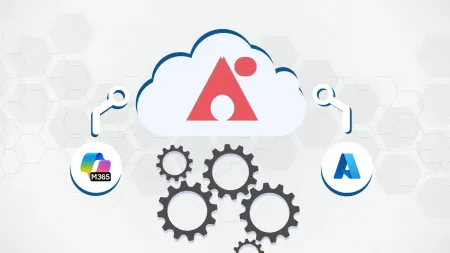
Learn how to integrate AvePoint Backup for Microsoft 365 and Azure to strengthen data protection, streamline recovery, and meet compliance requirements.
Explore the top third-party backup solutions for Microsoft 365. Compare tools that enhance data protection, restore capabilities, and compliance readiness.

Explore the core features and advantages of Azure Backup, including built-in security, scalability, and compliance for cloud-based data protection.